Webflow vs Framer: Which To Choose For B2B SaaS Web Design
Choosing between Webflow and Framer for B2B SaaS? Compare SEO, CMS, and ecommerce features to find your best fit.

When you're trying to choose the best platform to build your B2B SaaS website, you're at a crossroads that could define your online presence. Webflow and Framer each bring something different to the table, and understanding those differences will guide you to the right choice.
Webflow development shines with its powerful design tools and SEO capabilities, making it an attractive option for startups focused on robust online footprint and marketing.
On the other hand, Framer comes through with real-time collaboration and quick prototyping, which is a boon for teams that need agility in design processes. This article deciphers the nuances of these platforms, so you're equipped to make an informed decision that suits your business needs.
Book a Webflow demo call
Is Webflow or Framer Best for B2B & SaaS Startups? Quick Verdict
When it comes to the great web design showdown of Webflow vs Framer, each has its own unique selling point. Webflow gets a lot of love for being super easy to use, yet packing a lot of powerful customization punch, a winning combo for startups that need loads of design firepower and to get noticed in search results.
Framer shines when it comes to instant collaboration and rapid prototyping, exactly what teams need when they're working to a tight deadline and need to make changes fast.
B2B SaaS startups, especially those where marketing and lead gen are top priorities, tend to get a lot more out of Webflow. Our own experience at Overpass Studio of using Webflow to create seriously compelling websites that drive real results is nothing short of incredible.
The way Webflow integrates with tools like Google Analytics, the range of handy templates and its powerful SEO capabilities make it a force to be reckoned with for serious SaaS players.
Key Benefits of Webflow for B2B SaaS
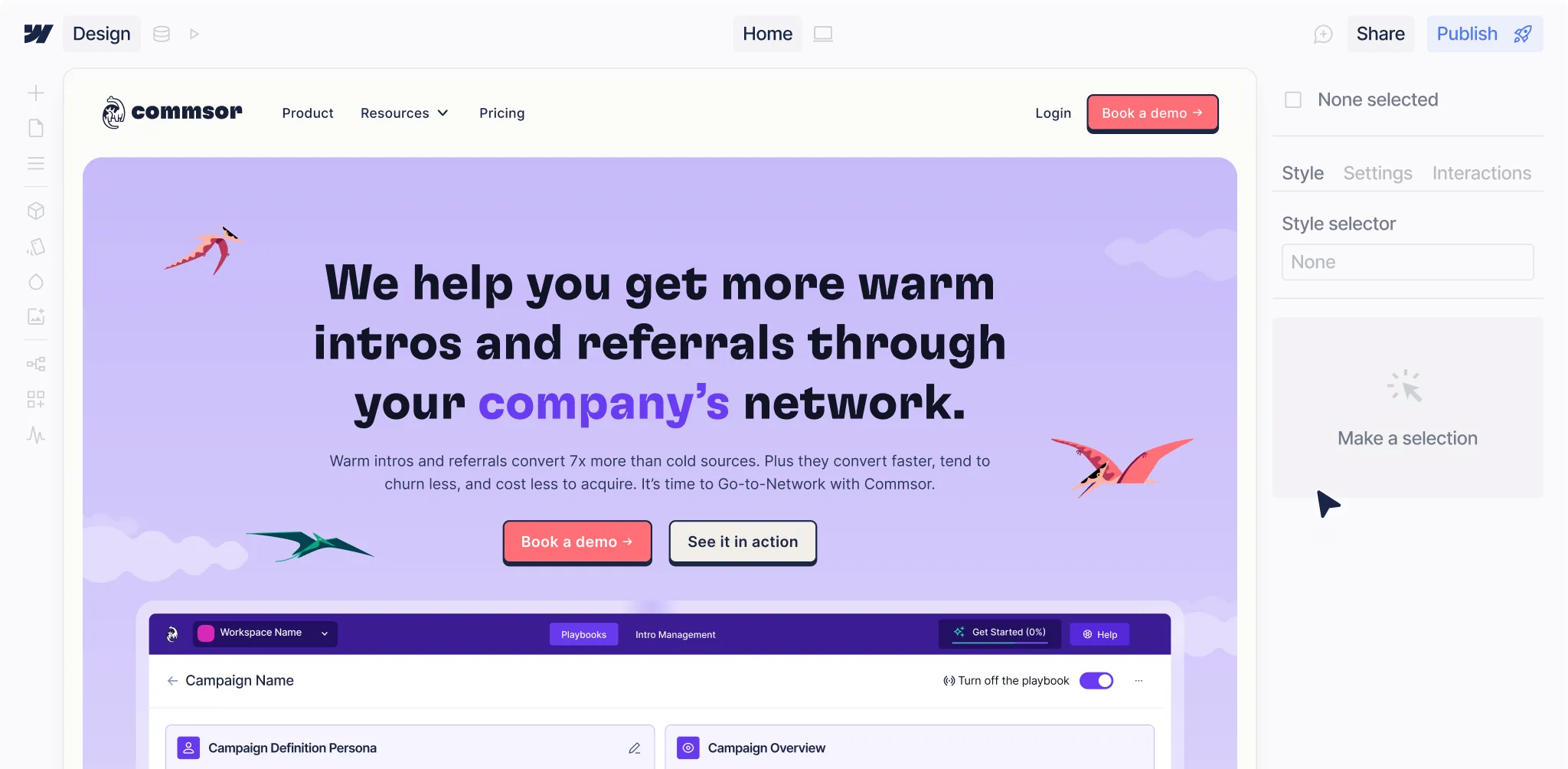
Webflow’s biggest benefit is a reduced need for developer dependency and the speed of development. It is a professional development tool that once set up correctly allows marketing teams to fully manage their own websites, make edits, spin up new pages quickly and easily without needing to go via a developer, which adds time and cost to every campaign.
With its super flexible customisation options, businesses can create websites that are just as well-designed as they are functional - no compromise needed.
Robust CMS and Ecommerce Functionality
Webflow is renowned for having one of the most robust CMS capabilities out there. Businesses can really make the most of these powerful tools to manage huge content libraries and get complex e-commerce functionalities up & running. For SaaS businesses that need seriously high-performing pages and dynamic content integration, this is a must.
- Webflow templates, the ultimate rapid development shortcut: get your site up and running in no time, with a level of aesthetic precision you just wouldn't get elsewhere.
- SEO tools that cover all the bases: from schema markup to clean code structures, everything you need to get that website flying up the search engine rankings.
High-Performance Websites and SEO Tools
Building high-performing websites is a breeze with Webflow. The code is clean and efficient, which means you get fast load times and a seamless user experience - all the things you need to turn visitors into customers.
And for those of you who are serious about SEO, Webflow's got all the tools you need to really get visibility on search engines. We're talking metadata management, alt text optimisation and URL structuring; all the best practices right at your fingertips.
Limitations of Webflow: Considerations for Startups
Now we know Webflow has loads of advantages, but it's fair to say that its learning curve can be pretty steep for start-ups that don't have a dedicated design team. It does require some know-how when it comes to design concepts, often meaning you need to know some scripting to get the more advanced functionality up & running.
But don't let that put you off just yet. At Overpass Studio, we specialise in Webflow development, which means we can sort out the tech side of things, and give you a component-based build that makes it all super easy to use. That way you can really get the best out of Webflow without losing yourself in all the details.
Framer's Features Tailored for Rapid Prototyping and Design
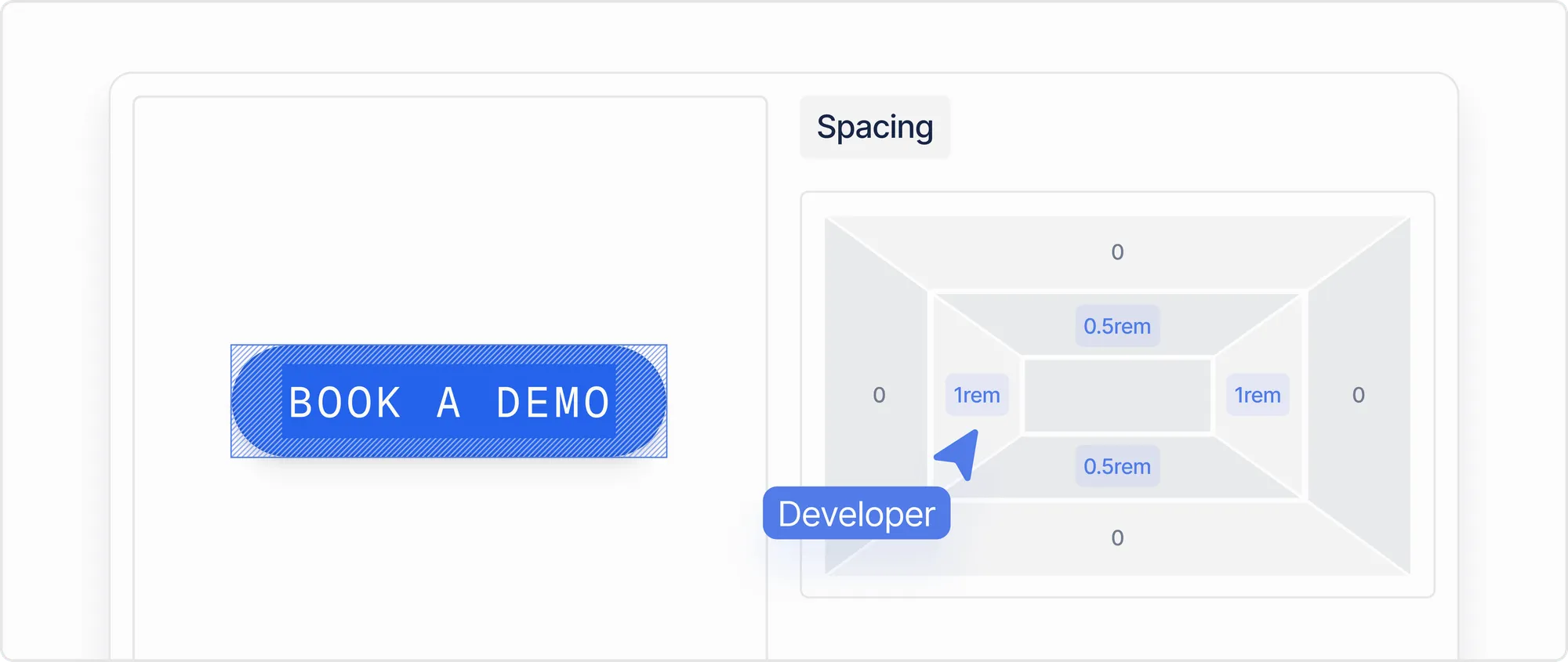
Framer is all about quick and easy prototyping. Its visual editor and intuitive interface make it straightforward for designers who are used to working at breakneck speed, almost like using Figma.
- Framer is perfect for designers who love the freedom to experiment and try new things.
- Collaborative features and real-time collaboration make it great for small teams who need to get design cycles down to a fine art.
- The inclusion of an AI tool means you can make smarter design decisions and automate some of the more tedious bits.
For early stage start-ups who really value speed and ease over complexity, Framer is a great option.
Challenges with Framer for Building Complex SaaS Solutions
Framer does have some drawbacks, especially when it comes to building complex SaaS solutions. Rapid prototyping is where it shines.
And when it comes to advanced ecommerce functionalities, Framer just doesn't quite cut it. It lacks the full suite of ecommerce features you need to build a comprehensive online store. At the moment, its CMS capabilities are also a bit behind, not quite giving you the field types or scalability you need for large SaaS platforms with dynamic pages & complex content collections. For that sort of thing, Webflow is still the best choice.
How Webflow and Framer Fare in Essential Use Cases for SaaS
When we compare Webflow vs Framer in real-world use cases, the distinctions become clearer.
- For larger sites needing dynamic pages and sophisticated CMS collections, Webflow is the better choice due to its robust architectural capabilities.
- Framer shines in environments where design iterations and quick adaptations are paramount, supporting non-technical users by easing the barrier to web design.
Through Overpass Studio's client work, we've identified that Webflow works best for deep integrations with Hubspot, Salesforce, Pipedrive, and more marketing CRMs.
Comprehensive Webflow vs Framer Comparison Table
Let's consolidate these insights in a comprehensive comparison:
Framer vs Webflow: Summary and Key Takeaways
Choosing between Webflow development and Framer isn't just about picking a tool; it's about aligning the choice with your business ambitions and technical needs. Here's how they compare significantly:
- Webflow’s Rich Customization & SEO Capabilities: The platform enables compelling, high-converting websites with robust tools for analytics and SEO.
- Framer’s Real-Time Collaboration & Speed: Ideal for rapid prototyping and design iterations with an emphasis on ease-of-use for design teams.
- Robustness vs Flexibility: Webflow's powerful CMS and ecommerce functionalities make it better for complex sites, while Framer excels in agility and simplicity for non-technical users.
- Consider Use Cases: If your startup needs sophisticated CMS solutions, lean towards Webflow. But for dynamic design processes, Framer is promising.
In making your decision, think about your startup's goals, technical expertise, and which platform will best support those needs. Don’t hesitate to lean into Overpass Studio's expertise for guidance to elevate your web presence seamlessly. With the right platform and support, achieving impactful and strategically aligned website design becomes a reality. When choosing a provider always consider using a Framer or Webflow agency, these will have in depth knowledge of each platform which will come in handy if you want anything bespoke building.
Book a Webflow demo call
Framer & Webflow FAQs
Can Webflow handle enterprise-level B2B SaaS websites?
Yes. Webflow is well-suited to enterprise and growth-stage B2B SaaS companies. Its robust CMS, logic-based interactions, and clean code output support complex site architectures (including gated content, multi-locale setups, and high-traffic marketing pages) without sacrificing page performance.
Does Webflow integrate with the tools in our SaaS marketing stack?
Webflow integrates natively or via Zapier/Make with the most common B2B SaaS tools: HubSpot, Salesforce, Marketo, Intercom, Google Analytics 4, Segment, and more. If your team runs marketing automation or CRM-driven workflows, Webflow won't create a disconnect.
Which platform is better for SEO-driven B2B demand generation?
Webflow is the stronger choice for SEO-focused teams. It gives you full control over meta titles, descriptions, Open Graph tags, schema markup, canonical URLs, and sitemap generation; all without a plugin dependency. Framer's SEO toolset is improving but remains basic by comparison, making it less suitable if organic search is a core acquisition channel.
Get in touch